-


 Colours for Food
 -
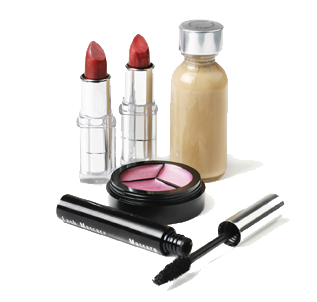
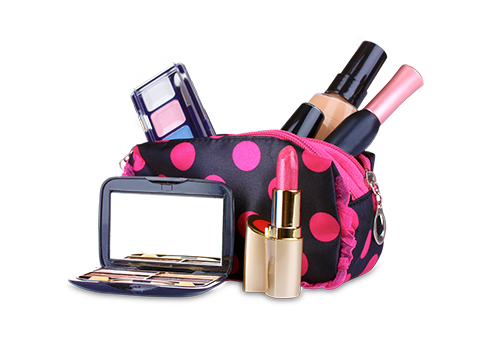 Raw Materials for Cosmetics
Our Divisions
-

Unisynth Chemicals, an ISO 9001:2008 Certified Company is a leading manufacturer of Raw Materials.
Unisynth Chemicals 
UNISYNTH OIL REFINERY INDIA LTD is the latest addition to the Unisynth Family. Unisynth Oil Refinery.
Unisynth Oil Refinery
Unilex Colours & Chemicals Ltd. An ISO 9001:2008 Certified Company is a leading manufacturer.
Unilex Colours-

Chemi Udyog is a leading supplier of Laboratory Chemicals/Reagents & Equipments for the Domestic.
Chemi Udyog

- 106-107, Advent Atria, Chincholi Bunder Road, Malad (West), Mumbai - 400 064. India
- +91-22-4275 1818, 2881 1818 / 1819
- +91-22-2888 5664
Unisynth Group of Companies
Get in touch
 Connect with facebook
 Follow on twitter
 Sharing on Google+
 Videos on YouTube
 Connect with linkedin
Copyright © 2013 Unisynth Group. All rights reserved